
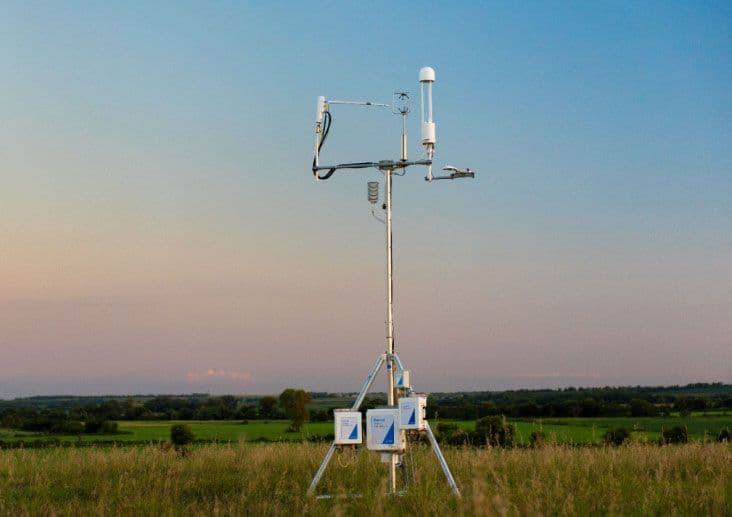
If you manage an eddy covariance system, you know that measurements are only a part of your work. You're also responsible for confirming the system is operating as expected, getting data to the right people, and turning flux results into something your team can analyze. When each of those tasks requires a separate tool, however, even a well-performing system can create a cumbersome workflow.
SmartFlux® Core brings more of these tasks together. Designed specifically for traditional LI-COR eddy covariance systems that use SmartFlux 2 or 3, this software upgrade connects them to LI-COR Cloud® without needing to replace any gas analyzers, sonic anemometers, biomet sensors, or SmartFlux hardware. Ultimately, it creates a more connected path from field measurements to remote monitoring, data analysis, and collaboration.
Here is what the upgrade changes, what stays the same, and how to prepare for the transition away from FluxSuite® Software.
Key Takeaways
- SmartFlux Core connects traditional LI-COR eddy covariance systems that use SmartFlux 2 or 3 to LI-COR Cloud while keeping the tower itself intact. Next-gen systems like the Water Node or Carbon Node do not need this upgrade.
- LI-COR Cloud supports remote monitoring, post-processing, analysis, viewing, and sharing in one platform. Available features depend on the given system and plan.
- FluxSuite support continues through June 2027, giving current users time to upgrade and become familiar with the new workflow.
How SmartFlux Core Changes Your Workflow
In a traditional LI-COReddy covariance system, SmartFlux 2 or 3 serves as the on-site computing component. It collects data from the tower's instruments, synchronizes incoming data, processes fluxes via an embedded EddyPro engine, and sends results to FluxSuite.
When you update the system's software to SmartFlux Core with a software download—no hardware or equipment changes required—you now connect the system directly to LI-COR Cloud instead of FluxSuite.
Get the process started by downloading SmartFlux Core here.
How Data Moves from the Tower to Your Team
Once your software is updated, your system can now follow one connected workflow from your site to LI-COR Cloud. Here's how it works:
Take Measurements
Your field instruments measure gas concentrations, three-dimensional wind, and any supporting biomet variables.
Process on Site
SmartFlux Core synchronizes the incoming data streams and runs the embedded EddyPro engine to process fluxes directly on site.
Send to LI-COR Cloud
The system then securely transmits processed fluxes to LI-COR Cloud, where data can be visualized and analyzed by your team.
Analyze the Results
Authorized users can view and share results, receive alerts, or export data into another repository or application as needed.
Five Ways LI-COR Cloud Simplifies Your Workflow
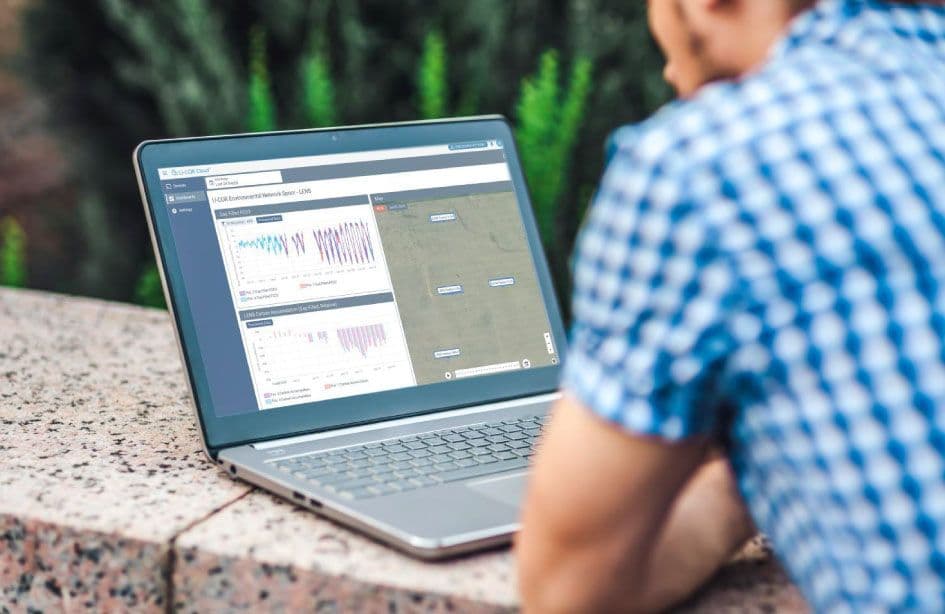
With the SmartFlux Core upgrade, your team can now access processed flux data directly in LI-COR Cloud. This platform gives everyone one central place to monitor the system, interact with data, and share results. With LI-COR Cloud, you can now simplify your workflow in several key ways—saving your team time in the field and at the computer.
1. Monitor Your System from Anywhere
When your setup is hours away—or spread across a larger network—routine checks can take time. LI-COR Cloud grants authorized users remote access to system information and recent data, so they can see how a system is performing without relying on local access.
You can also set alerts for parameters that matter most. If a value moves outside a selected range, for example, you can receive timely alerts and take necessary action. While an alert does not replace routine maintenance or data review, it can help you decide when a system needs attention then act accordingly.
2. Move from Fluxes to Results Faster
Once data reaches LI-COR Cloud, advanced tools can help with quality assurance and quality control. Options for data analytics include:
- Data cleaning: Helps remove values that do not meet selected quality criteria
- Gap filling: Helps create a more continuous time series where appropriate
- Accumulation: Summarizes fluxes over days, seasons, years, or other periods
- Footprint analysis: Shows which part of the surrounding landscape contributed to a measured flux
What LI-COR Cloud data plan is right for your work? Explore your options.
3. Add Spatial Context to Flux Measurements
A flux time series tells you how measured exchanges are changing over time. Footprint tools add another layer by helping you understand the area that most likely contributed to the measurement during a given time period.
For sites with multiple land-cover types, management treatments, or sources and sinks, that context can be especially useful. Optional tools such as LI-COR Cloud × FluxMapper™ can provide more detailed spatial attribution, helping you relate measured fluxes to conditions across the surrounding landscape.
4. Move Data into Existing Workflows
Using LI-COR Cloud does not mean your data must stay on just that platform. Depending on your configuration and data plan, your team can download files, schedule transfers, or use an application programming interface to move data into an institutional repository, shared server, or other application.
5. Share Results Across Teams
Eddy covariance research rarely happens in isolation. A single system may be used by multiple researchers, institutions, or project stakeholders around the world. Your networks may even be managed by other organizations, and they need to collaborate regularly on findings.
LI-COR Cloud allows your team to share access and organize data from multiple sites in one environment. This means a collaborator can view the information you choose to share without needing to own the device themselves. This shared access can also be valuable outside your research group. For instance, you can grant project managers, environmental consultants, and other organizations certain access to results anytime, anywhere.
How to Transition from FluxSuite
FluxSuite is supported through June 2027, after which it will be retired. Upgrading to SmartFlux Core before then allows your team to set it up properly, test LI-COR Cloud, select the right data plan, and integrate it as a practical, familiar step in an existing workflow.
To transition to SmartFlux Core:
1. Confirm your setup.
Verify that your team uses a traditional LI-COR eddy covariance system with SmartFlux 2 or 3.
2. Install SmartFlux Core.
Download and update the software on your existing hardware.
3. Plan your LI-COR Cloud setup.
Decide who needs access, who should receive alerts, and which plan or optional tools fit your project.
4. Test the new workflow.
Confirm that data arrives as expected, alerts reach the right people, and established workflows still operate.
Upgrade your Traditional Eddy Covariance System
SmartFlux Core modernizes your team's data workflow around existing eddy covariance systems while preserving the measurement setup in the field. Get started today!
Not sure where to start?
Request a LI-COR Cloud demo to talk through your current SmartFlux configuration and data needs. Our team of experts can answer questions and help prepare you for the transition.
REQUEST A LI-COR CLOUD DEMO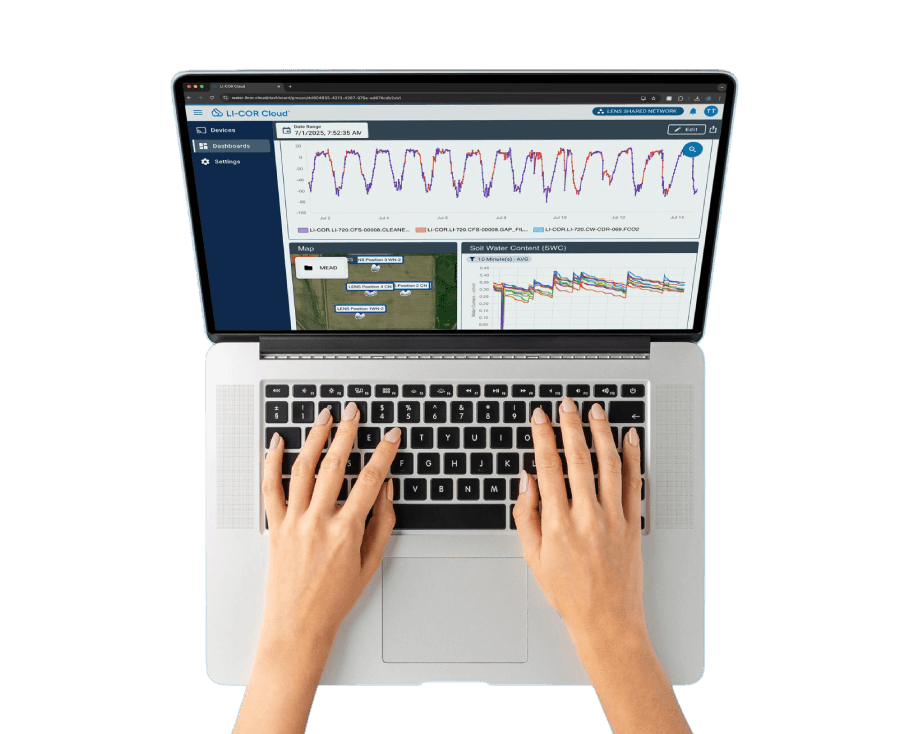
Want to see the workflow first?
Watch the SmartFlux Core webinar for an in-depth look and demo on monitoring, processing, visualization, and data-access tools.
View NowNEVER MISS OUT ON ANOTHER POST
SUBSCRIBE TO OUR NEWSLETTERJOIN OUR COMMUNITY TODAY!