


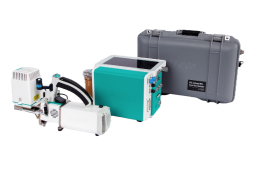
TGA and User Configurations
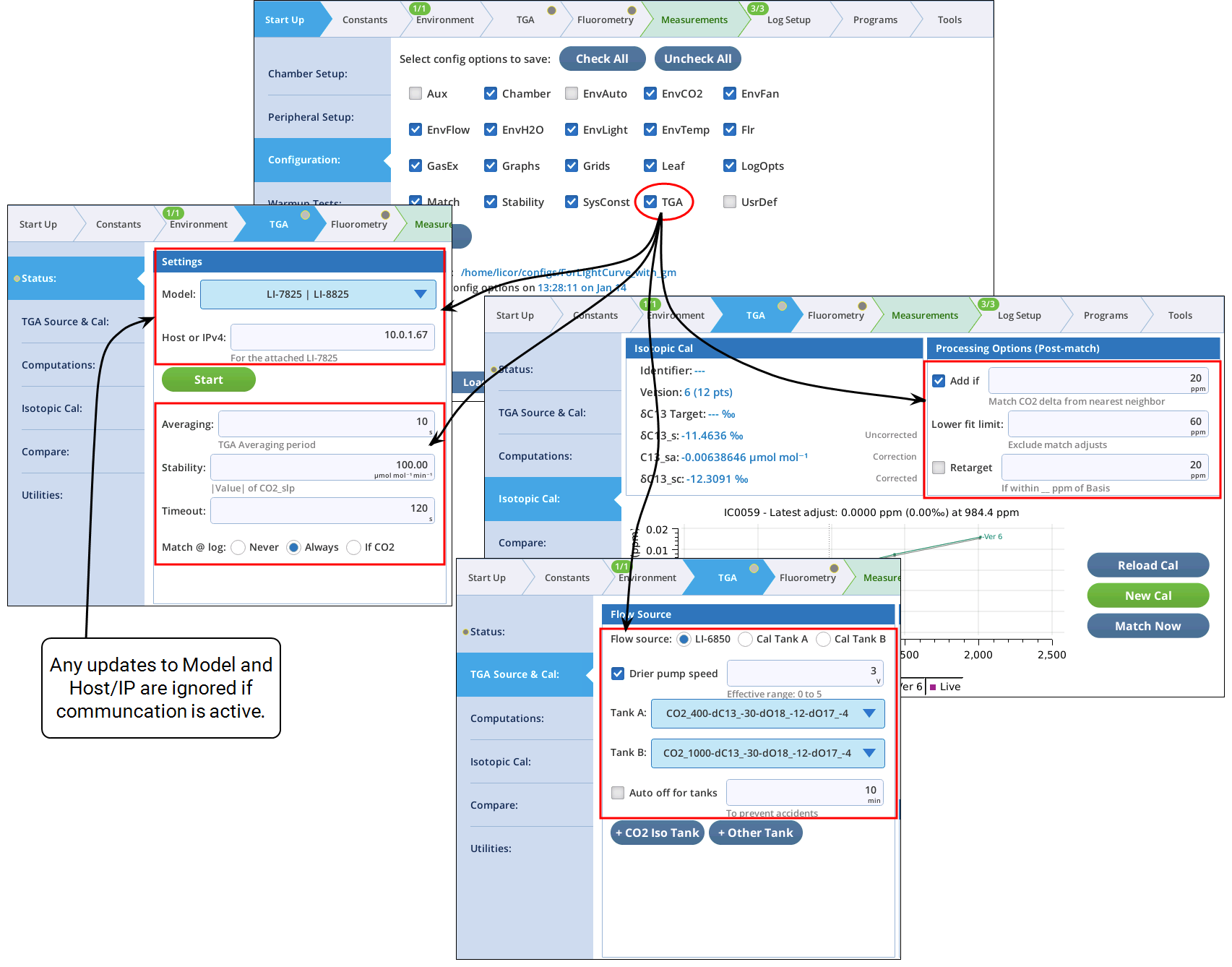
Three sets of TGA settings can be saved as part of a user configuration file, under the category label TGA (Figure 12‑53).
Grid and graph settings for TGA Support
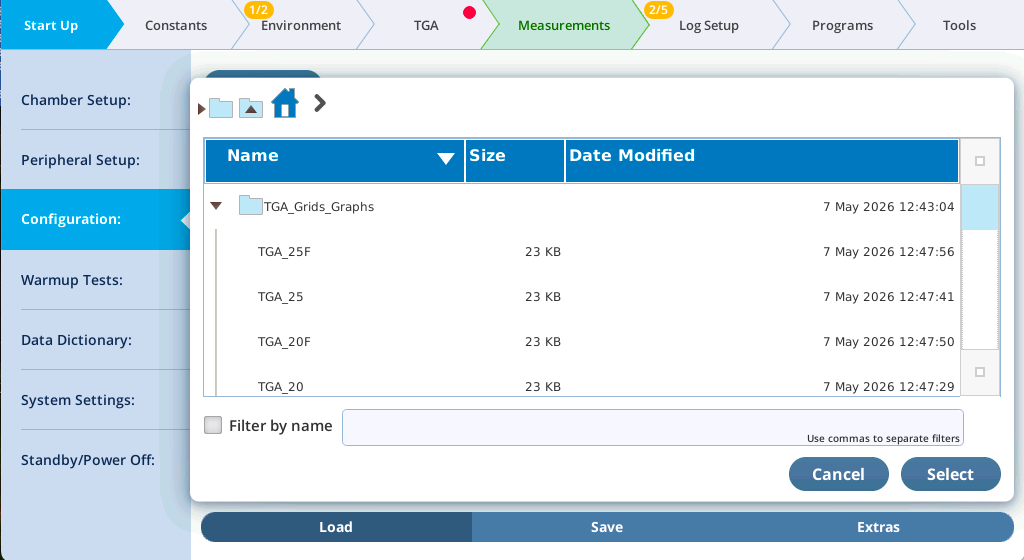
When TGA Support is installed, a folder named TGA_Grids_Graphs is added to the user configuration folder. This folder contains grid and graph configurations for Measurements mode when using the TGA. They are named for the TGA, and whether a fluorometer is in use. For example, the files TGA_25F and TGA-25 are for the LI-7825 | LI-8825, with and without a fluorometer.
To load any of these, go to Start Up > Configuration >Load, and tap Load Config. Open the folder called TGA_Grid_Graphs, and select the file.
Once you’ve customized the grids and graphs to suite your requirements, you can, of course, create a new, broad configuration file that includes not only grids and graphs, but TGA settings, log settings, etc.